Month: May 2014

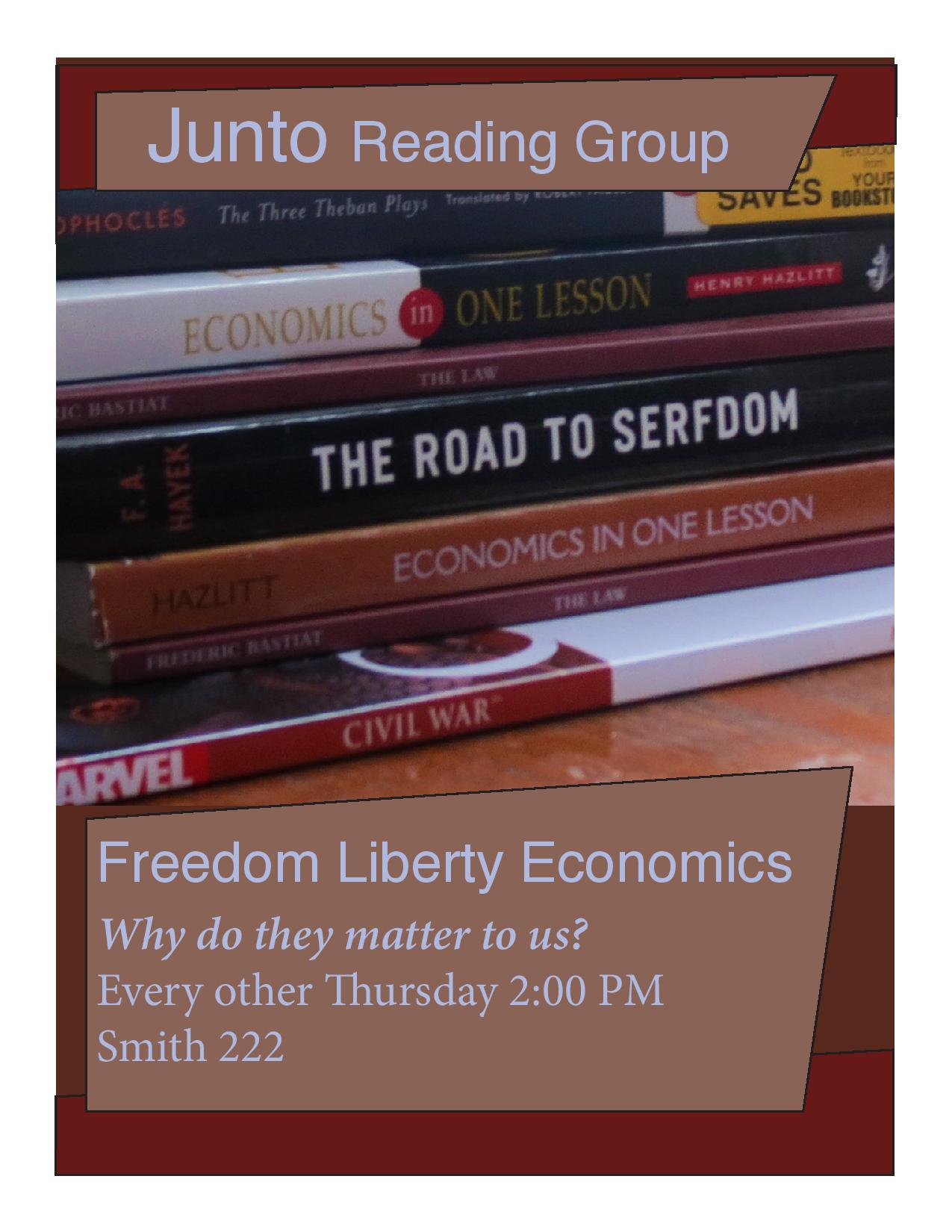
Junto Reading Group Poster: P3 Photodesign Project

JohnFaust.photodesign.jpg

  • Description: This is a flyer/poster for Junto.
  • Process (Programs, Tools, Skills):  I used Photoshop in conjunction with InDesign.  I wanted to use a color scheme in monochrome.
  • Message: I want people to come to Junto, a pro-liberty  reading group originally started by Ben Franklin.
  • Audience:  The audience this poster was designed for were the liberty conscious students who like to read at BYU.
  • Top Thing Learned:  I learned how to make a color scheme.
  • Color scheme and color names:  I used a brick monochrome.
  • Title Font Name & Category: Helvetica Sans
  • Copy Font Name & Category: Baskerville Oldstyle
  • Thumbnail of original, unedited image inserted.  JohnFaust6Inside (1)
  • Date and location you took the photo(s): Wednesday in my second room.


Photoshop Activity 3

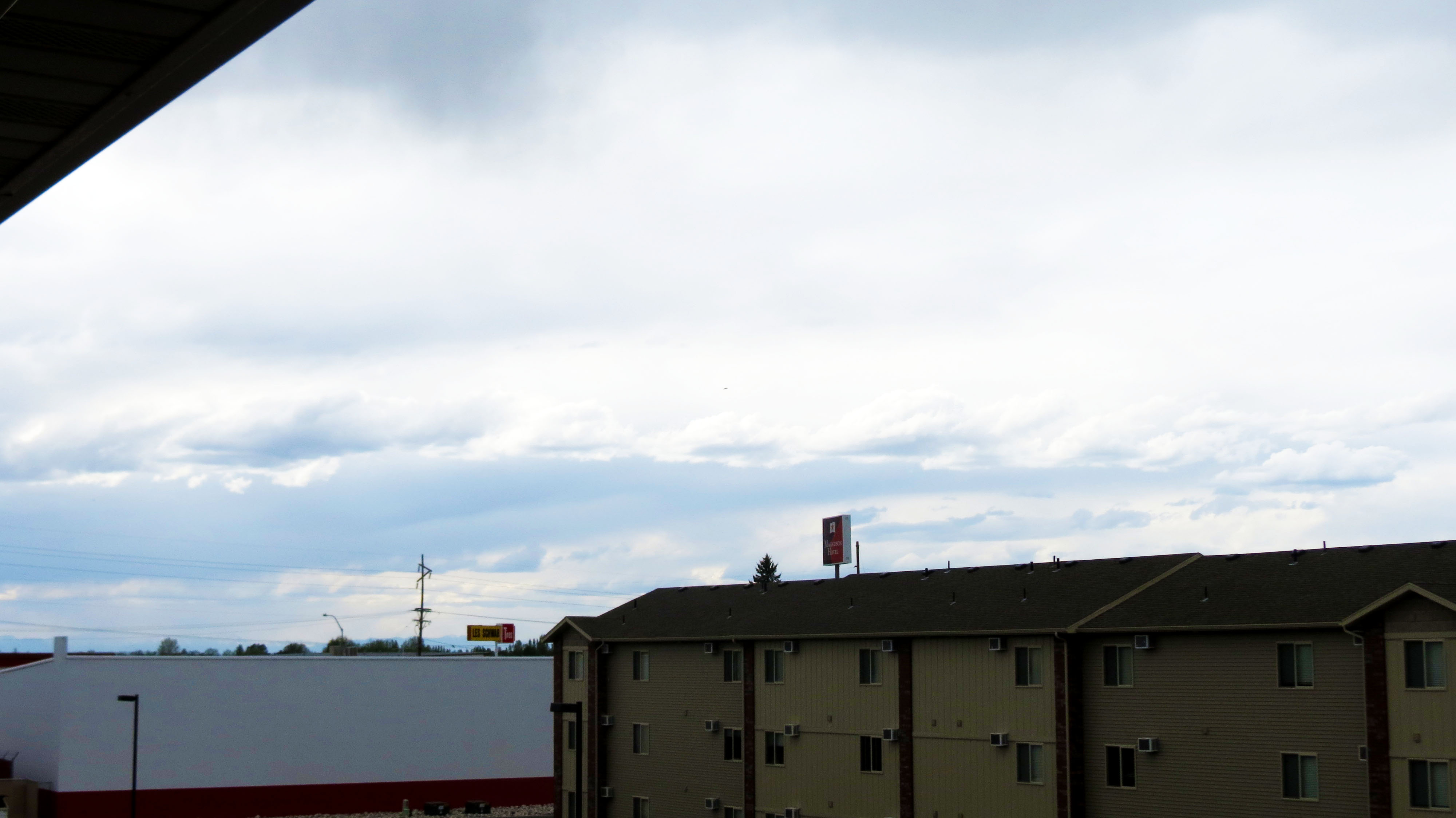
JohnFaust06lightoutside

Light 1 – Outside

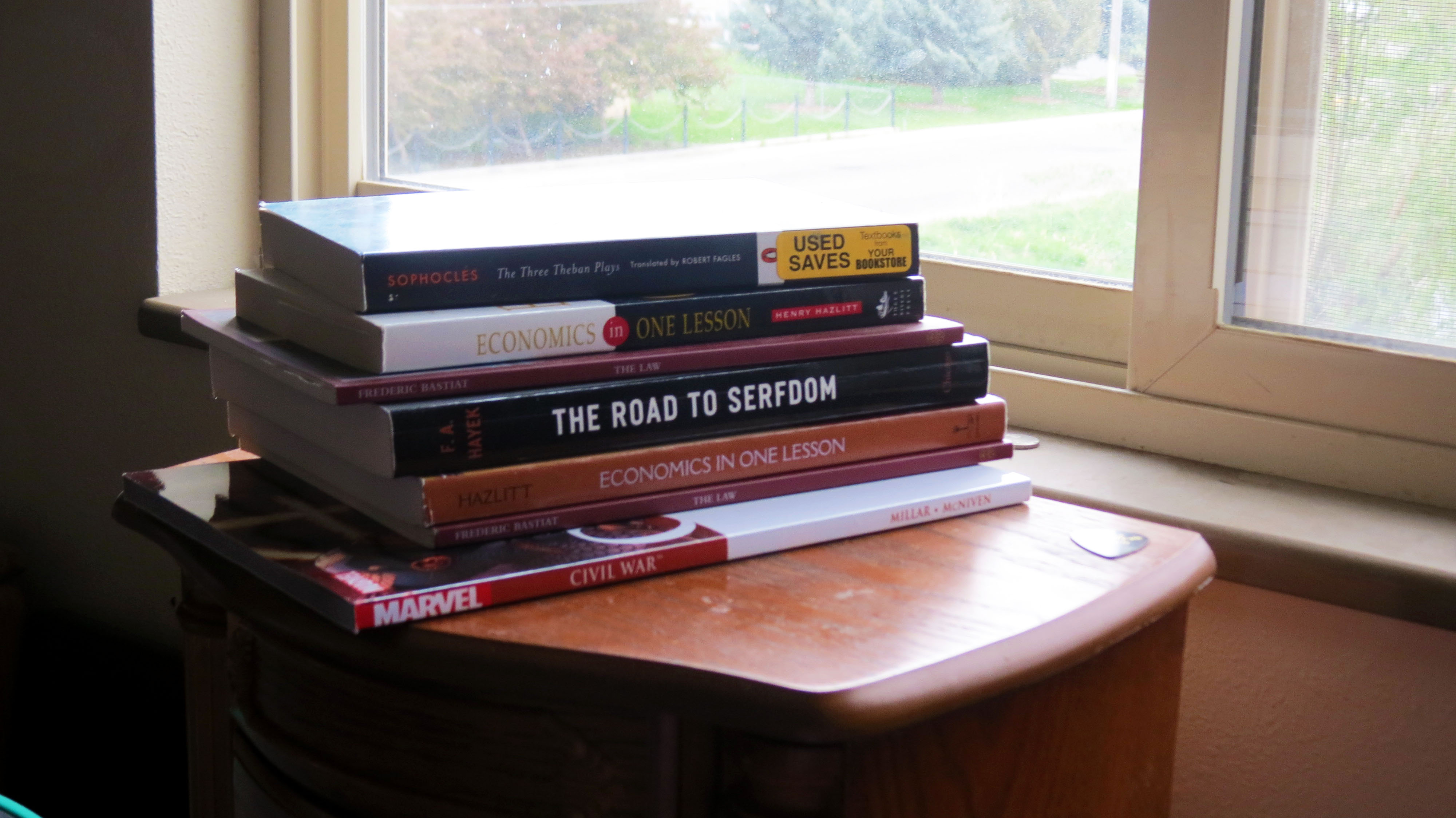
JohnFaust6Inside

Light 2- Inside

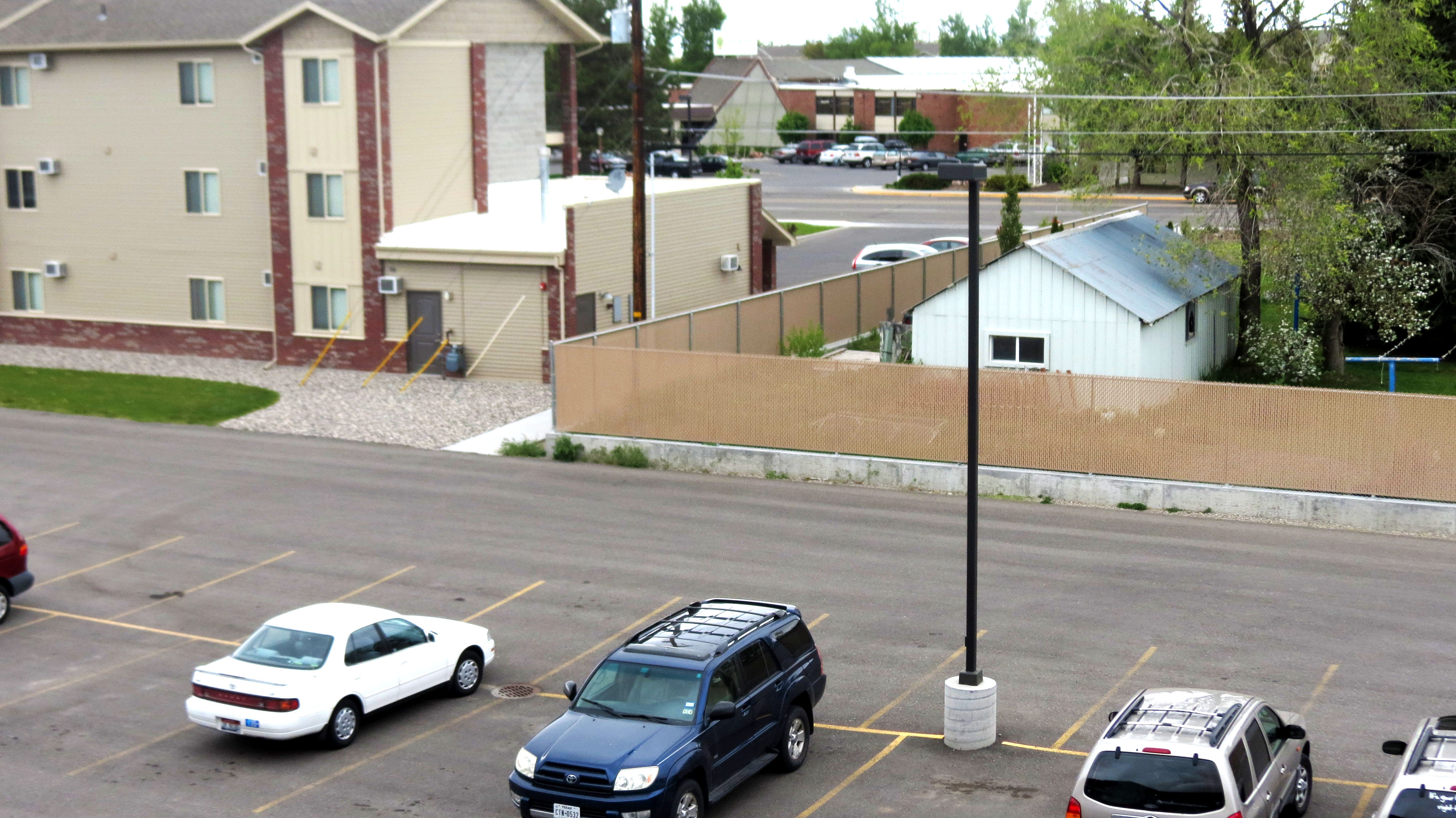
JohnFaust6foreground

Focus 1- Foreground

JohnFaust6Background

Focus 2- Background

JohnFaust6Ruleofthirds

Composition 1- Thirds

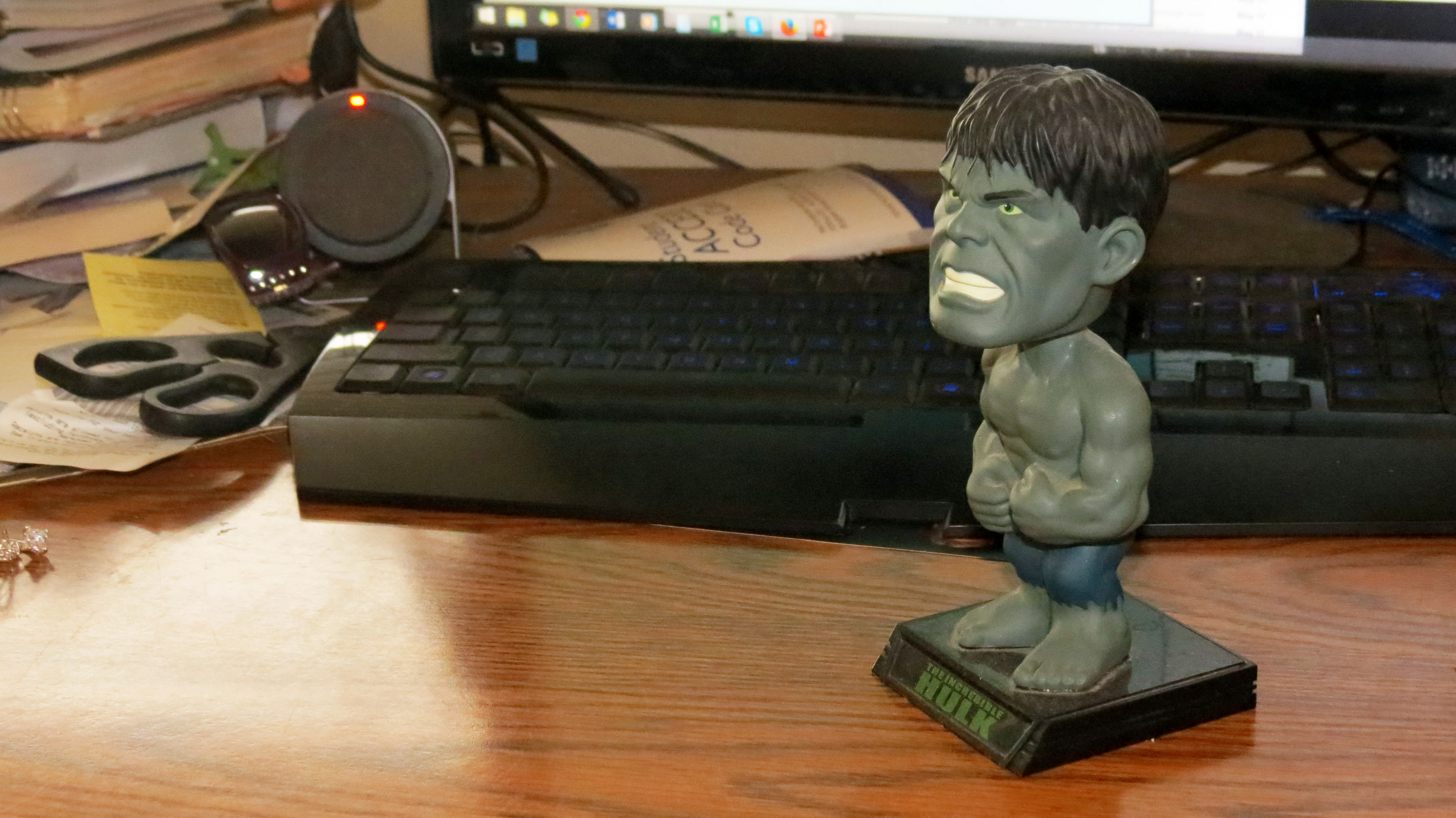
JohnFaust6leadroom

Composition 2- Lead Room

I really enjoyed working with PhotoShop and touching up these admittedly bland shots.  I wanted to learn how to pouch up real photos taken by someone who had little experience with photography.  My theory was, if I can make these look good, I can make any photo look good.  Also, who doesn’t love the bobblehead Hulk looking listless off into the distance.   I learned how to use many of the touchup tools available with Photoshop to sharpen, give contrast, brighten, as well as many other tools.  I will be investing in photoshop for my home computer because I enjoyed playing with the photos.  The pile of books was me trying to fit as much of my life in one photo as possible while making it interesting, colorful, and dynamic.

In many ways, these photos are my life.  That is my couch, my desk, the view from my balcony.  The more I touched up these photos, the more I really thought about what I really took photos of.  My apartment is kinda small and I made sure to get all of my favorite things.  What started as me being strapped for time on a rented camera, turned out to be something I really have a sentimental connection to.  After I began manipulating these shots I realized that it was important to make sure that the limitations of the camera didn’t distract from the way I know these objects should look.

And that is the story of how I learned to use Photoshop.
Project 2: My attempt at an SFL flyer

sfl flyer-page-001


  • Description: This is my first attempt at a flyer for SFL.  I used word because I will be able to change the dates and venues on the fly.
  • Process (Programs, Tools, Skills):  In this flyer, I really was able to explore what Microsoft Word is capable of in terms of design.
  • Message:  I wanted to use the popularity of the Assassin’s Creed franchise and it’s Libertarian leanings to design an SFL party around.
  • Audience:  My audience would be current and potential SFL members.  I want people to go, “I loved those games and liberty is important to me… this is perfect because I love food and women as well!  This is the perfect storm of the things I want out of leaving my house.”
  • Color scheme and color names:  I wanted to use an off-white for the background to give lots of negative space as well as a rugged red and blue motif that adds to the feel of the scan.
  • Top Thing Learned: I learned that Office can be used to do design work.
  • Title Font Name & Category:  Baskerville, Old Style
  • Accent Font Name & Category: Bradley Hand, Script
  • Scanned images used, sources, original sizes, location of scanner used: I used an image from Playstation Magazine Issue 062 on a library scanner.


Project 1, Visual Basic


My first attempt at Adobe In Design.


  • Description: A Flyer I made for a Graduate Leadership Conference.
  • Process (Programs, Tools, Skills):  Adobe In Design
  • Message: I wanted to make sure that everyone knew about the event and attended.  I wanted to make something visually striking.  I wanted the triangle motif to stand out in both positive and negative space.
  • Audience: Graduate students who need a leg up on the competition.
  • Top Thing Learned:  I have really been able to sink my teeth into Adobe InDesign.  That has been incredibly valuable to me.
  • Title Font Name & Category:  Sans Serif Futura
  • Copy Font Name & Category: Sans Serif Helvetica
  • Links to images used in this project: https://130.commbyui.org/wp-content/uploads/2013/01/JuliePeterson-Leadership-conference-business-rexburg-Idaho_7653-as-Smart-Object-11.jpg